Issue #671 (ONLYOFFICE Review, JS Utils, Testing, AI Tools)05/28/26
The following is a paid product review for ONLYOFFICE Docs Developer, a platform that allows SaaS companies and development teams to embed full-featured online document editors (docs, sheets, slides, PDFs) into their web apps.
In this week's issue, I'm taking a look at the main features of ONLYOFFICE Docs Developer, as described in the intro text. But first, what is ONLYOFFICE? The main platform is a complete team office suite that allows team members to easily collaborate and edit documents, with features like track changes, team chat, comments/mentions, and more.
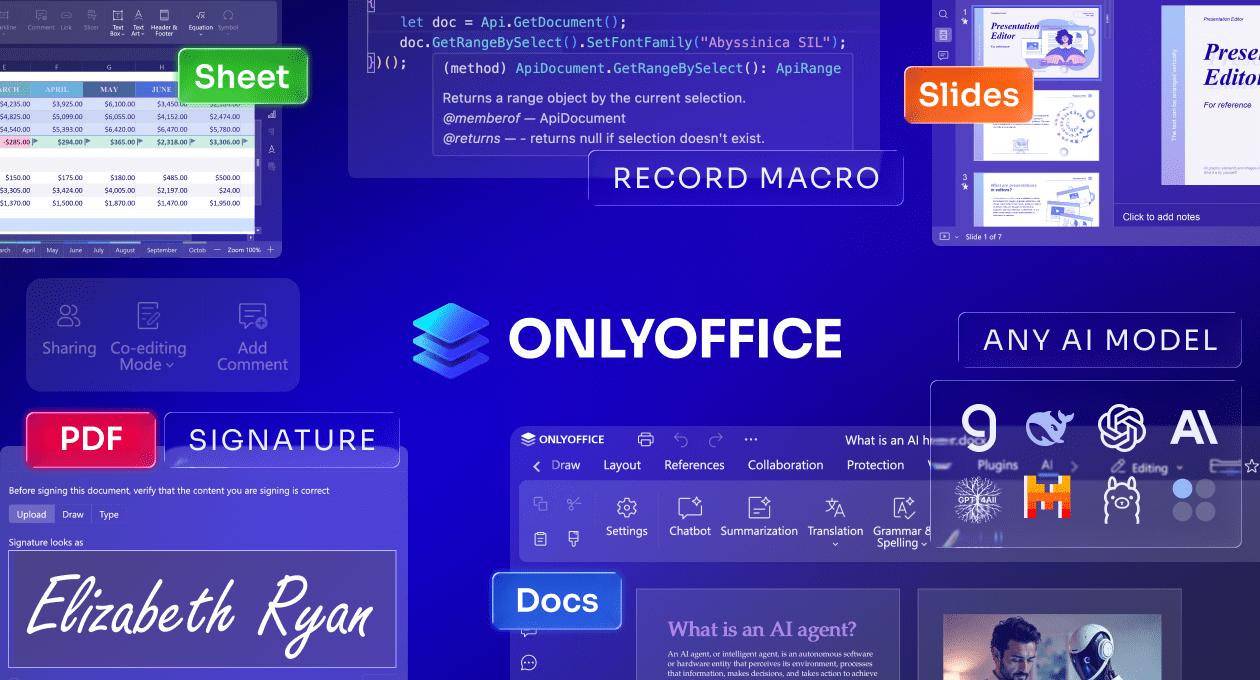
The Docs Developer solution allows developers to embed full-featured document editors in web apps. This means the same full-featured office suite (with support for docs, sheets, slides, PDFs, and fillable forms), but embedded within your own custom apps.
 |
If you've developed your own app, you can probably put together an embedded document editing solution created by your own team (likely with the help of AI). But how robust and secure would such a solution be? And what is the overhead of such an endeavor? It's going to be costly, timewise and financially.
ONLYOFFICE Docs, however, offers the following key features out-of-the-box, so you don't have to spend any resources building a custom solution:
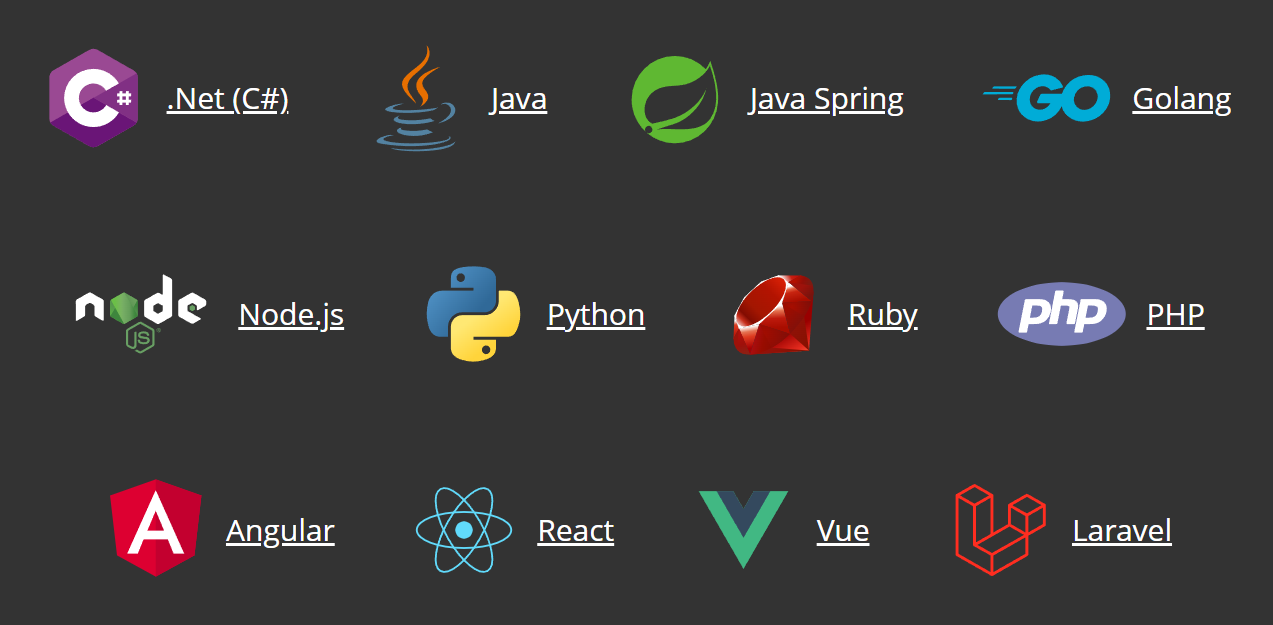
- Integrates with software written in any programming language
- Users can
- Collaborate in real time on any document, spreadsheet, form, etc.
- Leave comments and suggestions with tracked changes
- Restore previous versions of files
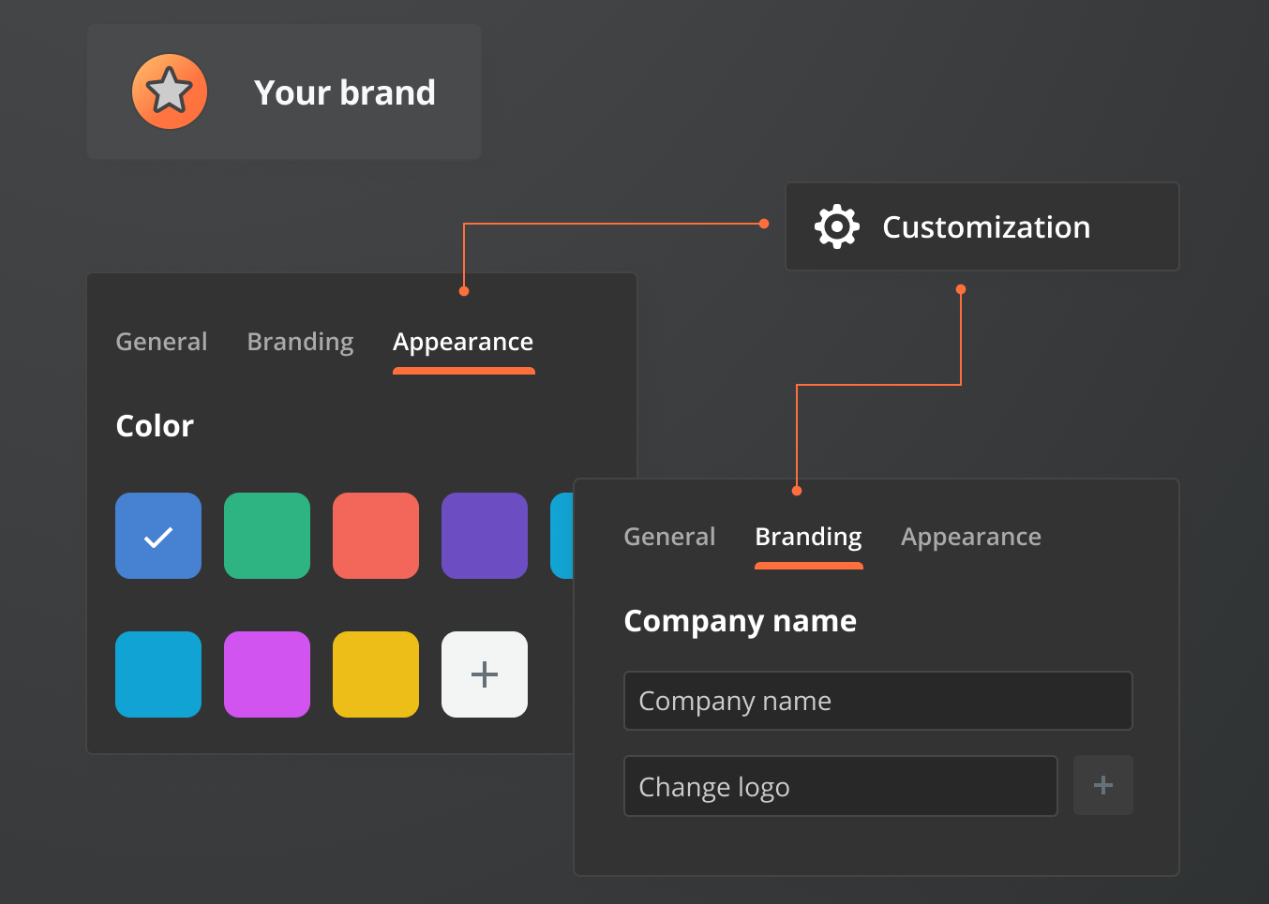
- The editor UI can be custom branded and uses a familiar tabbed layout that's common in popular office suites
ONLYOFFICE Docs Developer can integrate with any language
Features of the ONLYOFFICE Suite
Before getting into the developer features, let's take a quick look at the ONLYOFFICE platform in general, so you can get an idea what types of apps you can build.
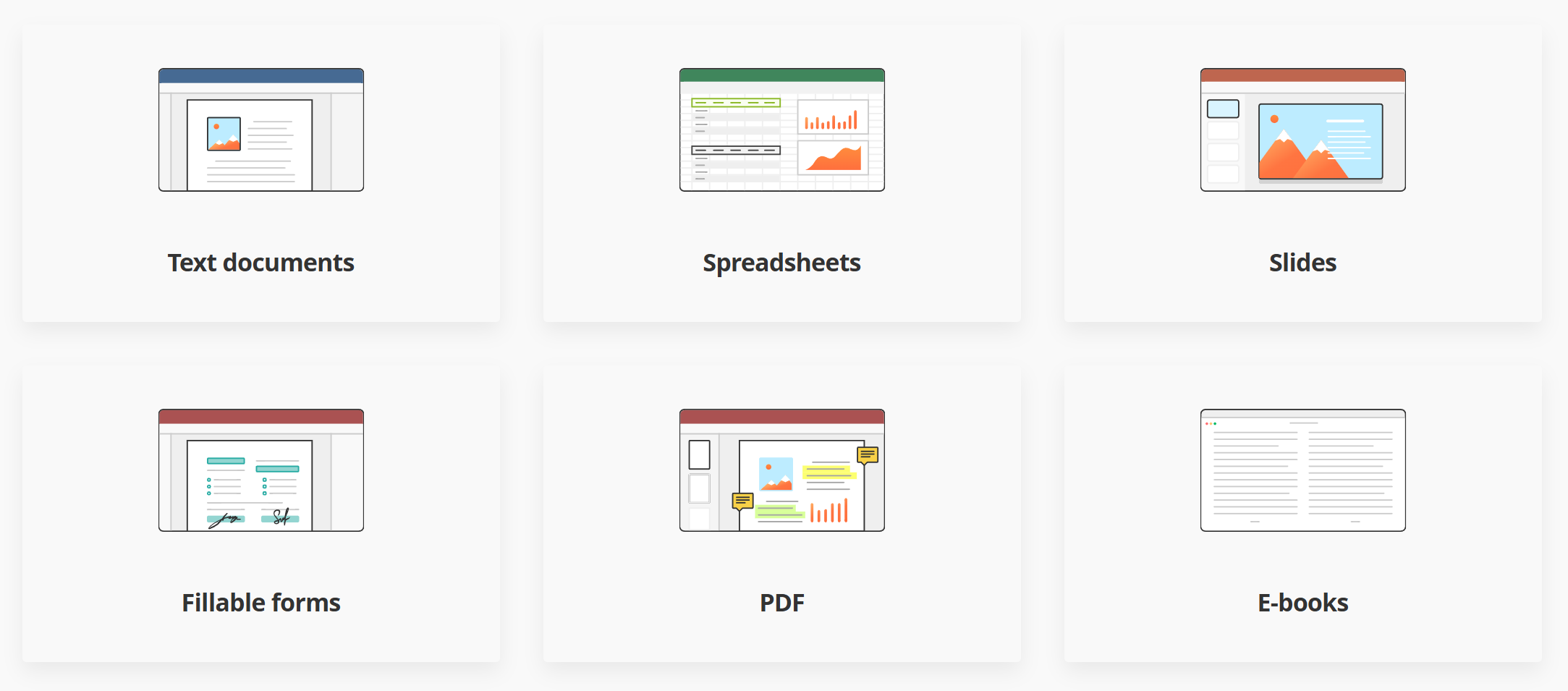
ONLYOFFICE Docs has a full range of office tools
ONLYOFFICE includes all the features users expect from a robust office suite:
- Word Processor for generating and working with Word documents, with support for all popular file formats (DOCX, DOC, ODT, TXT, HTML).
- Spreadsheet Editor for collaborating and editing XLSX, XLS, ODS, NUMBERS, and CSV files.
- Slideshow Maker for creating PowerPoint presentations, with support for PPTX, PPT, ODP, PPSX, and KEY files.
- Form Creator for creating, editing, and filling out PDF forms online.
- PDF Editor that enables users to view, edit, annotate, and create PDF files, with support for converting PDF to DOCX.
In addition, there's also an e-book tool and a diagram viewer that allows users to view and navigate Microsoft Visio diagrams.
Integrating ONLYOFFICE via the API
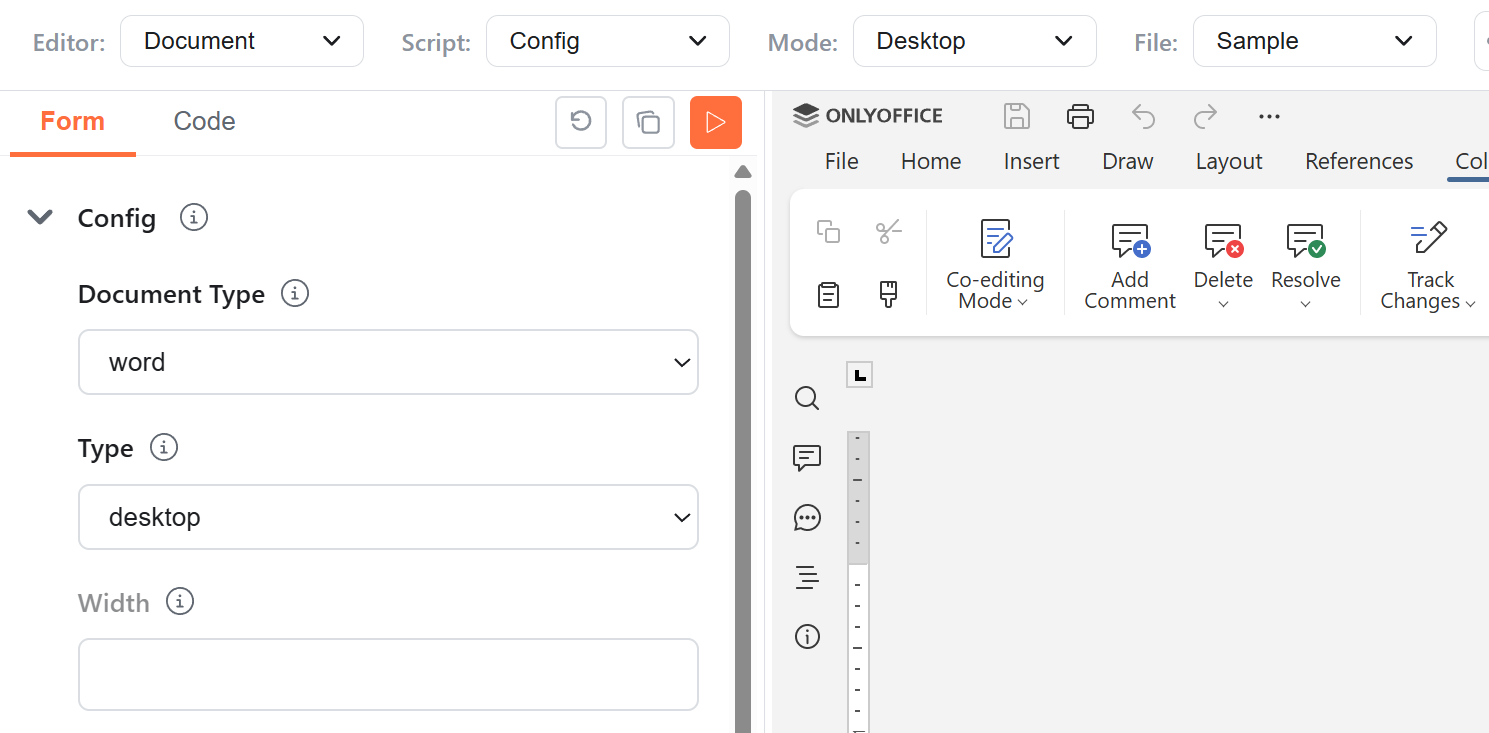
As mentioned, all the powerful features of ONLYOFFICE can be embedded in your apps and available to your users. These features are integrated via the ONLYOFFICE API, via Open API or WOPI. You can take it for a test spin in the API playground.
Trying out features of the ONLYOFFICE API in the API Playground
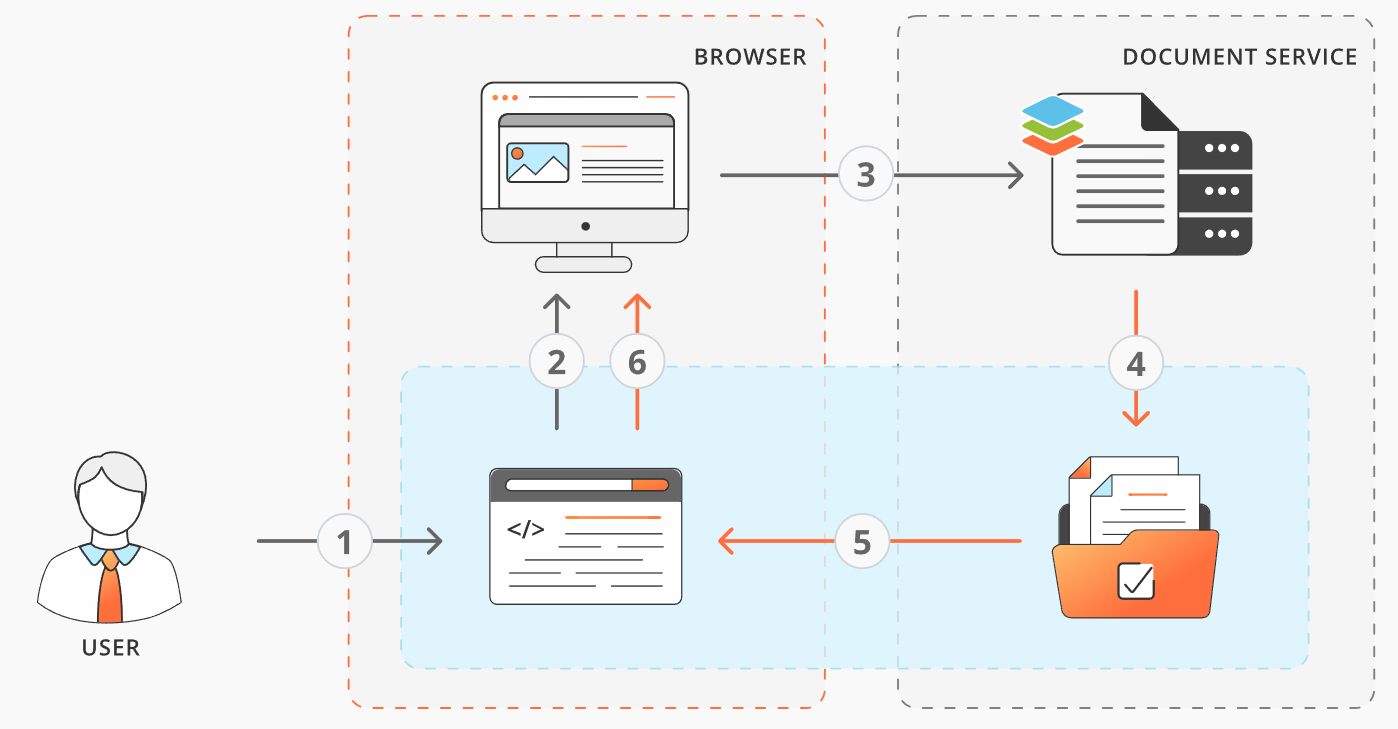
ONLYOFFICE can be hosted in the cloud or on your own platform. Once that's set up and configured, the API provides access to dozens of API methods and properties. These include access to features like opening files, saving, co-editing, document history, user mentions, renaming files, and lots more.
The rename file user flow with the ONLYOFFICE API
The API enables powerful apps to be built by means of:
- The Automation API, which enables developers to manipulate document contents from outside the editors.
- The Conversion API, for programmatically converting all kinds of Office documents, including text, sheets, slides, forms, PDFs, eBooks, and more.
- The Document Builder, a comprehensive toolset that enables your app to modify or build documents in DOCX, XLSX, PPTX or PDF without running Microsoft Office.
As you can see, the ONLYOFFICE Docs Developer edition has a powerful set of tools for building modern, user-facing office tools.
Custom Branding with ONLYOFFICE
Another powerful feature of the embedded ONLYOFFICE Docs is the ability to customize your embedded document solutions with your own branding. This ensures your apps and platforms can maintain the professional design your users are familiar with, while taking advantage of the full range of features in ONLYOFFICE.
Custom branding in ONLYOFFICE Docs
The API documentation provides details on customizing your embedded docs in the standard branding and white label sections.
Enterprise-Grade Security and Privacy
The ONLYOFFICE platform provides enterprise-grade security via their comprehensive range of security tools and services that keep your data safe. This means in user-facing apps you build that incorporate any of the document or collaboration features, your data will be safe.
Some of the security features you'll have access to include:
- GDRP compliance with full transparency on how user data is stored and used
- HIPAA compliance to protect data in medical-related apps and services
- End-to-end encryption during file transfers
- Protection against breach of data at rest
- Password protection for documents
- Data protection using JWT
- Document permission management
ONLYOFFICE features an extensive security toolset for keeping data safe
That's just a sampling of how serious ONLYOFFICE is about keeping your data safe. For more details see the security page on the main site, linked above.
Try ONLYOFFICE Docs Developer Today
You can test ONLYOFFICE Docs in the cloud or download ONLYOFFICE Docs Developer. From there, you can start using the developer features, including the JavaScript SDK, the Plugin SDK, Webhooks, and more.
In closing, if you're building an app or platform that can benefit from a full range of user-facing Office tools, try out ONLYOFFICE Docs Developer.
Now on to this week's tools!
|
| |
JavaScript Utilities
cache-primitives — A monorepo for two packages related to CDN cache control: one for easy, opinionated CDN cache header handling and another for modern CDN cache primitives using web-standard middleware.
beautiful-mermaid — An ultra-fast, fully themeable, zero DOM dependency library to render Mermaid diagrams as beautiful SVGs or ASCII art.
Learn VS Code — A screenshot-packed guide (346 pages in EPUB and PDF formats) that includes 150+ customization tips for working with the native features of VS Code, the world's most popular code editor. SPONSORED
Pushduck — A universal, secure, and edge-ready S3 file uploader to allow users to upload files directly to S3-compatible storage with just 3 lines of code, with support for Next.js, React, Express, Fastify, and more.
textlens — A fast, zero-dependency text analysis and readability toolkit for Node.js, so you can replace multiple single-purpose packages with one.
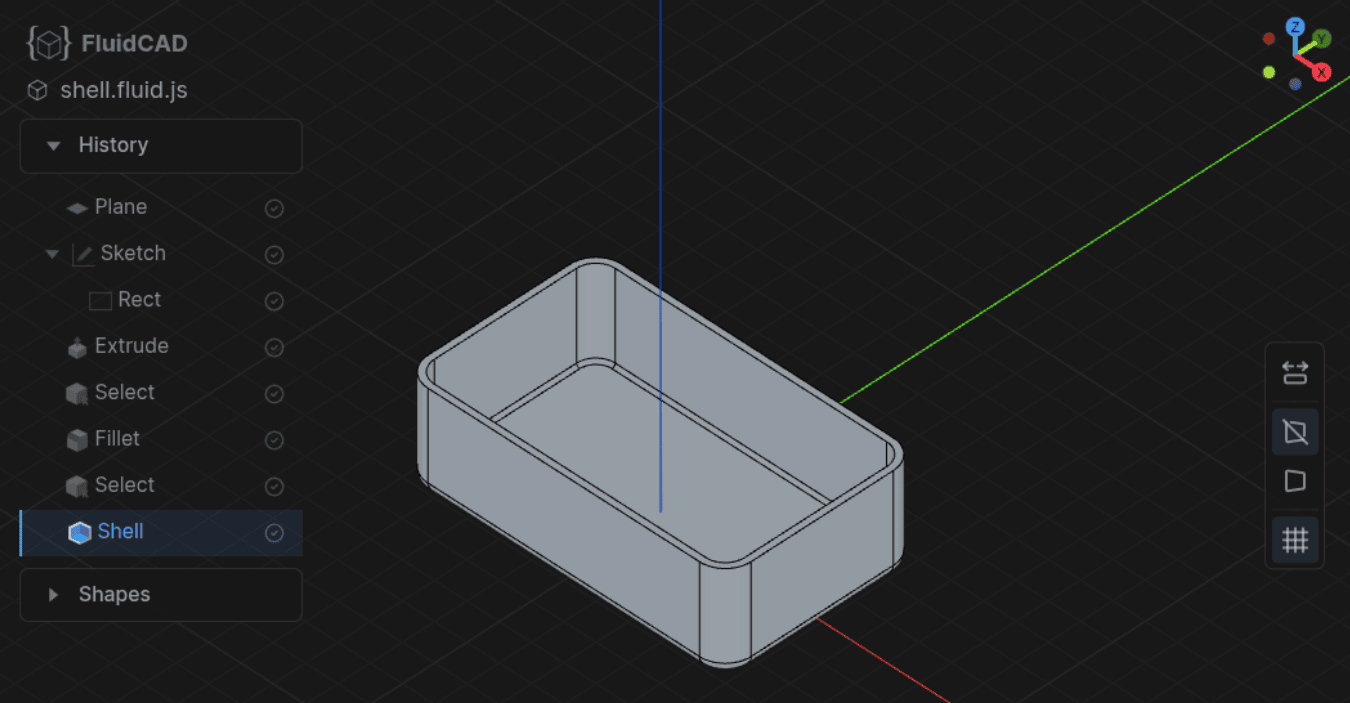
FluidCAD — A JavaScript library for building parametric 3D models with code. You write .fluid.js files and they render in a live 3D viewport that updates as you type.
 |
hucre — A zero-dependency spreadsheet engine to read and write XLSX, CSV, ODS, JSON, NDJSON, and XML, with schema validation, streaming, round-trip preservation, in pure TypeScript, and it works everywhere.
Page Agent — A JavaScript-based in-page GUI agent that allows you to enable users to control a web interface with natural language chat.
|
Testing & Debugging Tools
rep+ — A Chrome extension to capture, modify, and replay HTTP requests in Chrome DevTools with AI-powered security analysis, inspired by Burp Suite's Repeater.
LiveMock — A comprehensive tool for API development and testing, offering mock data, request proxying, and logging, to streamline workflows and track traffic.
portless — A tool that allows you to replace port numbers with stable, named .localhost URLs, for humans and agents.
react-trace — A development-time React inspector for your components that allows you to identify rendered components, find their source locations, and choose what to do (open file, preview/edit code, send to AI, etc).
TLDR AI — Keep up with AI in 5 minutes with the most interesting AI stories and breakthroughs delivered in a free daily email. Join 900k+ subscribers today. SPONSORED
react-native-preflight — A package to simplify Maestro E2E testing for React Native, so you can test screens in isolation, browse a dev catalog, and catch visual regressions with zero production overhead.
aimock — A one-port, dependency-free mock infrastructure tool for AI apps that allows you to mock everything your AI app talks to, including LLM APIs, MCP, A2A, AG-UI, vector DBs, search, etc.
TabConnect — A Chrome extension that enables you to share a browser tab for support, demos, and remote reviews.
|
AI Tools, LLMs, etc.
Dexto — An agent harness that offers an orchestration layer that turns LLMs into reliable, stateful agents that can take actions, remember context, and recover from errors.
autoskills — A CLI tool that scans your project, detects your tech stack, and installs curated AI agent skills automatically, all with a single command.
TLDR Design — Curated design tools, trends, and inspiration in 5 minutes a day, for design professionals. Join 225,000 readers. SPONSORED
ECC — An agent harness performance optimization system that offers skills, instincts, memory, security, and research-first development for Claude Code, Codex, Opencode, Cursor, etc.
ProofShot — An agent-agnostic CLI that gives AI coding agents eyes, recording browser sessions, capturing screenshots, collecting errors, and bundling proof artifacts, so humans can verify what the agent built.
Efecto — An AI-native design tool that lets you tell your AI agent what to design and watch it build layouts, pages, and graphics in your browser in real-time.
ZipTyPrompt — A web-based tool to sanitize logs, remove PII, and make AI-safe prompts in seconds, just paste your text, pick filters, and sanitize.
AI Website Cloner Template — A reusable template for reverse-engineering any website into a clean, modern Next.js codebase using AI coding agents.
|
|
Commercial Apps & Classifieds
LogDB – Local-first observability with end-to-end encryption, local backups, and your own AI stack.
|
|
VSCode.Email – A weekly email featuring tools, tips, themes, and articles on Visual Studio Code. AD
|
MonkePay – Payment infrastructure for AI agents. Gate any endpoint, agents pay, and you receive USDC.
|
|
Simmerce – Simulate how real shoppers (price-sensitive, brand-loyal, mobile-first) behave on your store.
|
Tech Productivity – The latest tools, articles, and tips on productivity, focus, work culture, and more. AD
|
|
Eddie AI – An AI assistant video editor for Mac or Windows to produce rought cuts and edits.
|
Lumi.new – An all-in-one platform to build and launch websites or apps just through natural language chat.
|
|
|
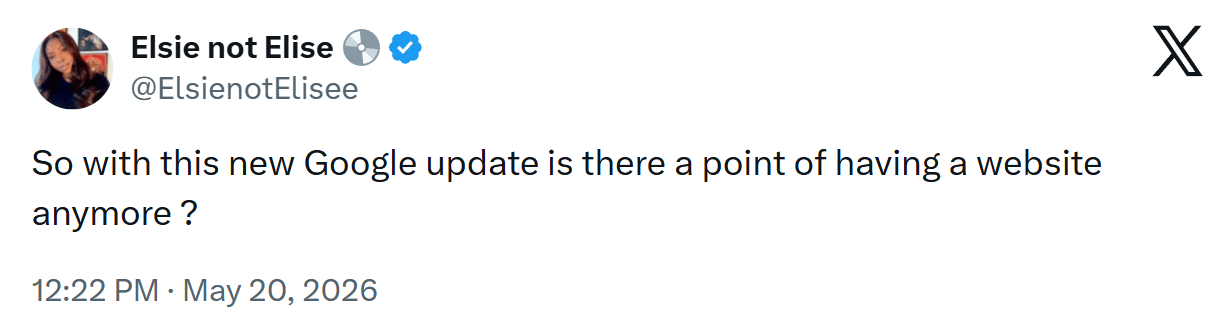
A Social Post for Thought
Is Google changing search results to a point where websites are becoming obsolete? Assuming, of course, that they're not obsolete already.
Send Me Your Tools!
Made something? Reply to this email or send links via Direct Message on X or via chat on Bluesky (details here). No tutorials or articles, please. If you have any suggestions for improvement or corrections, feel free to reply to this email.
Before I Go...
Flipbook is a strange "infinite visual browser", (no HTML, code, etc.), powered by AI, where every "page" you land on is an image. Click on something in the image and you'll get a new image exploring that thing in more depth.
Thanks to all for subscribing and reading!
Keep tooling,
Louis
webtoolsweekly.com
@LouisLazaris
|
|
|